Turn Pixels into Thread.
Upload any photo, logo, or sketch. Get production-ready embroidery files — DST and PES — in seconds, with a real stitch preview before you sew.
embroider.app turns a photo into a machine embroidery file in your browser. Upload PNG/JPG → AI patch preview → real stitch path → download DST or PES. No install. No account required to try.
 In
In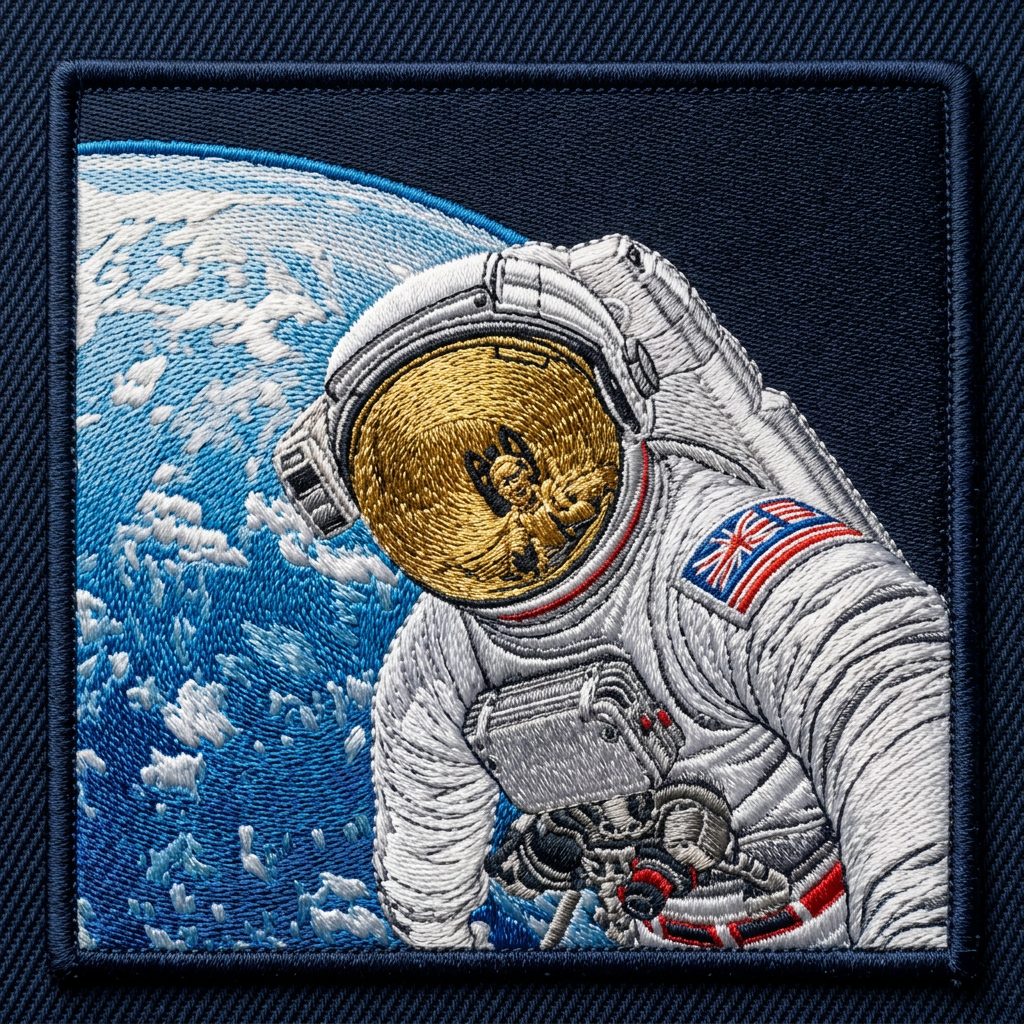 Out
Out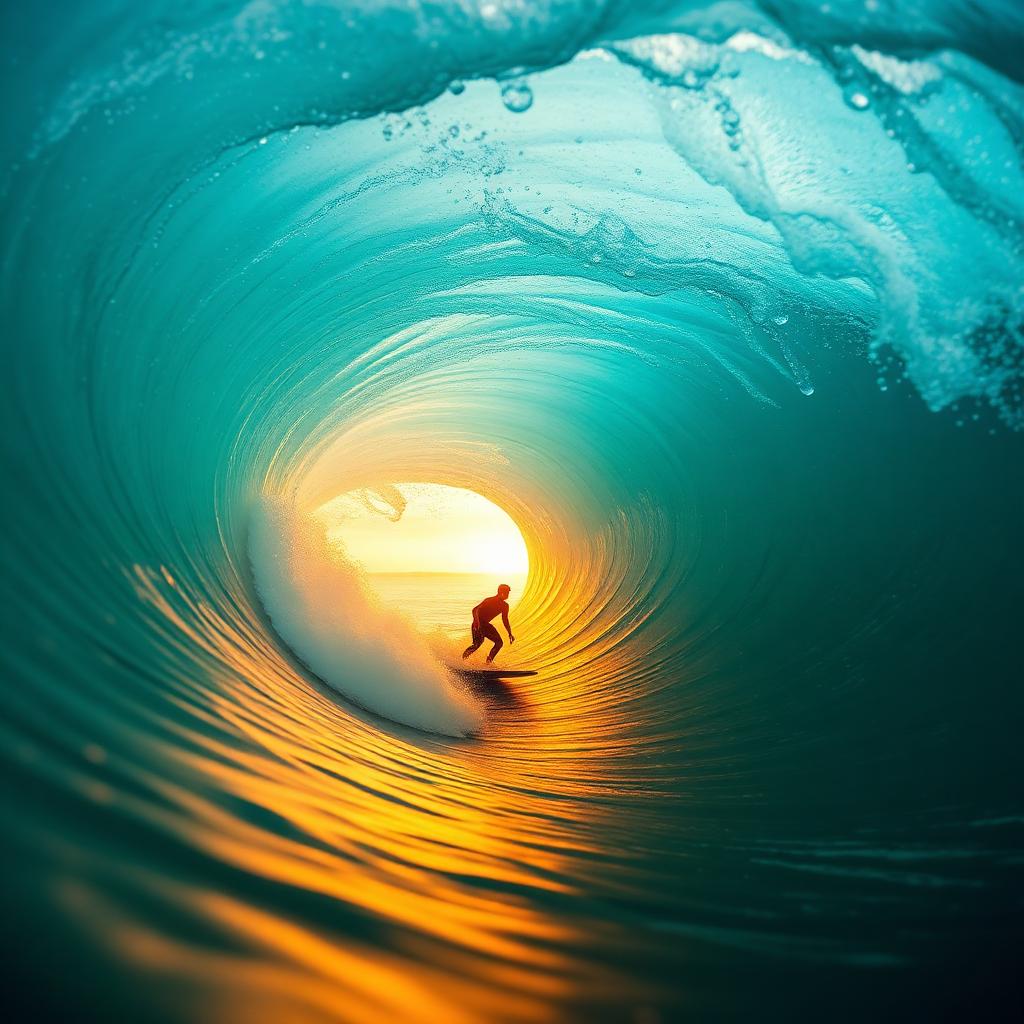 In
In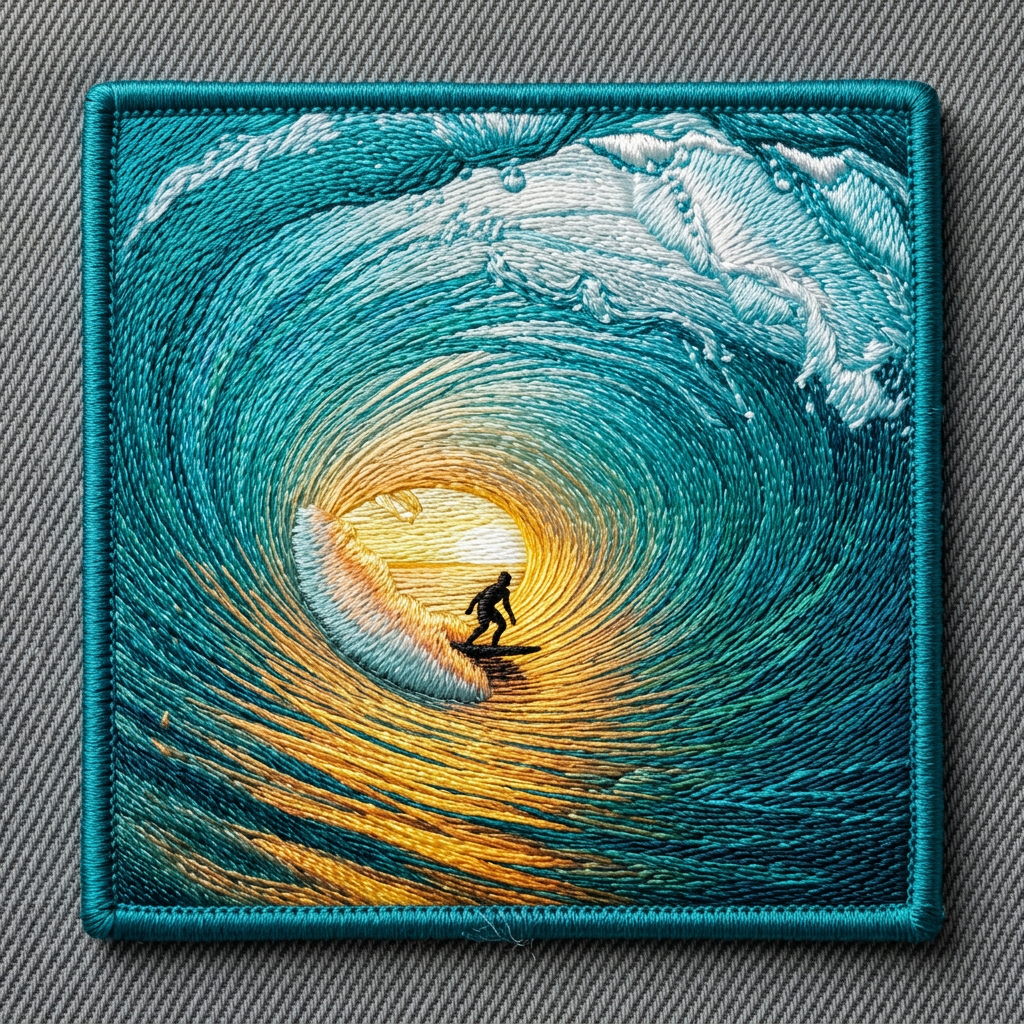 Out
Out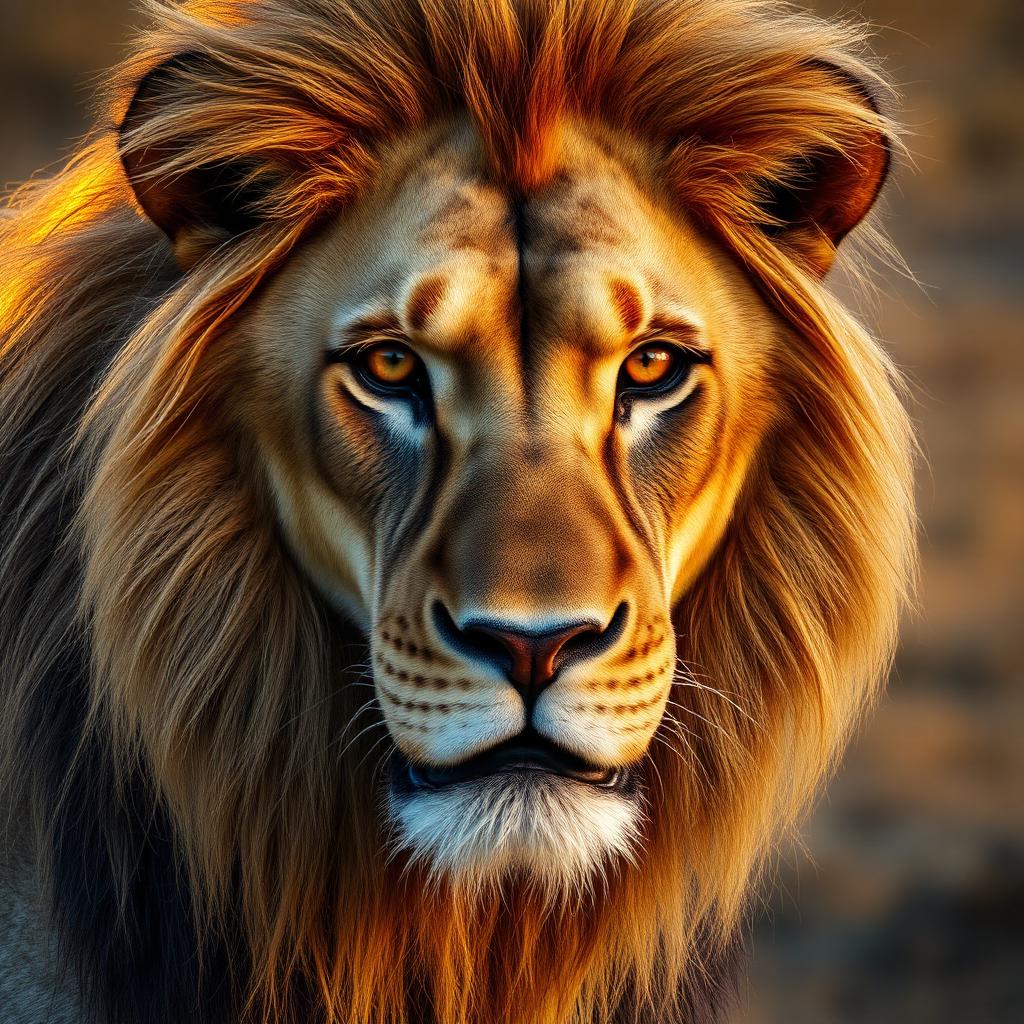 In
In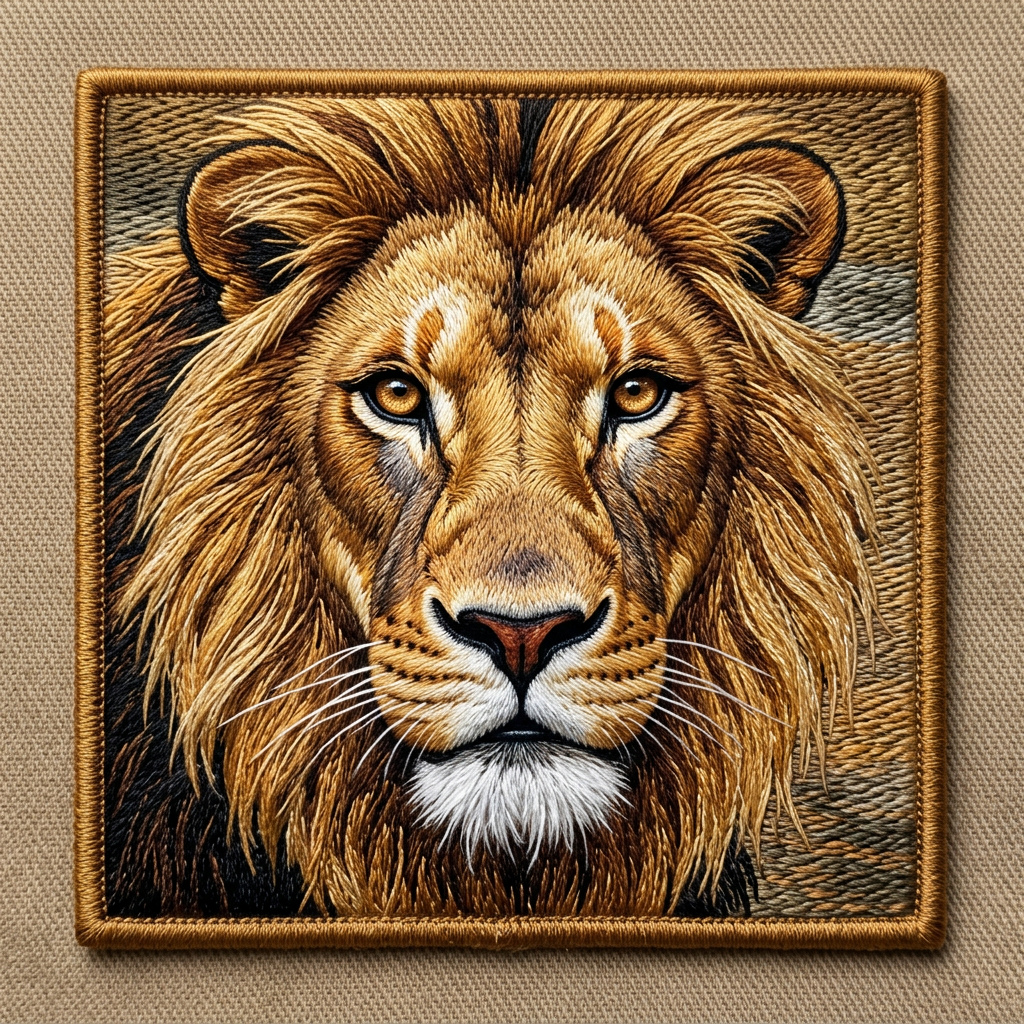 Out
Out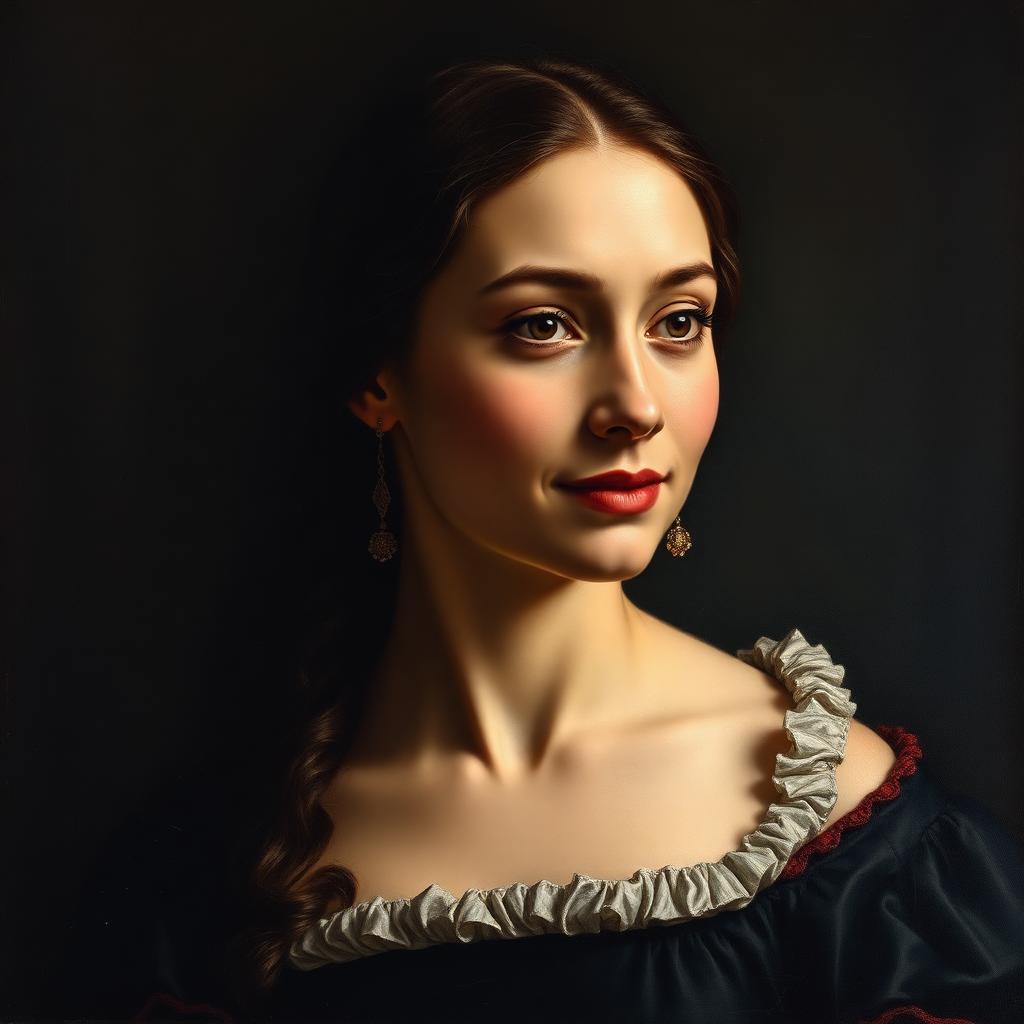 In
In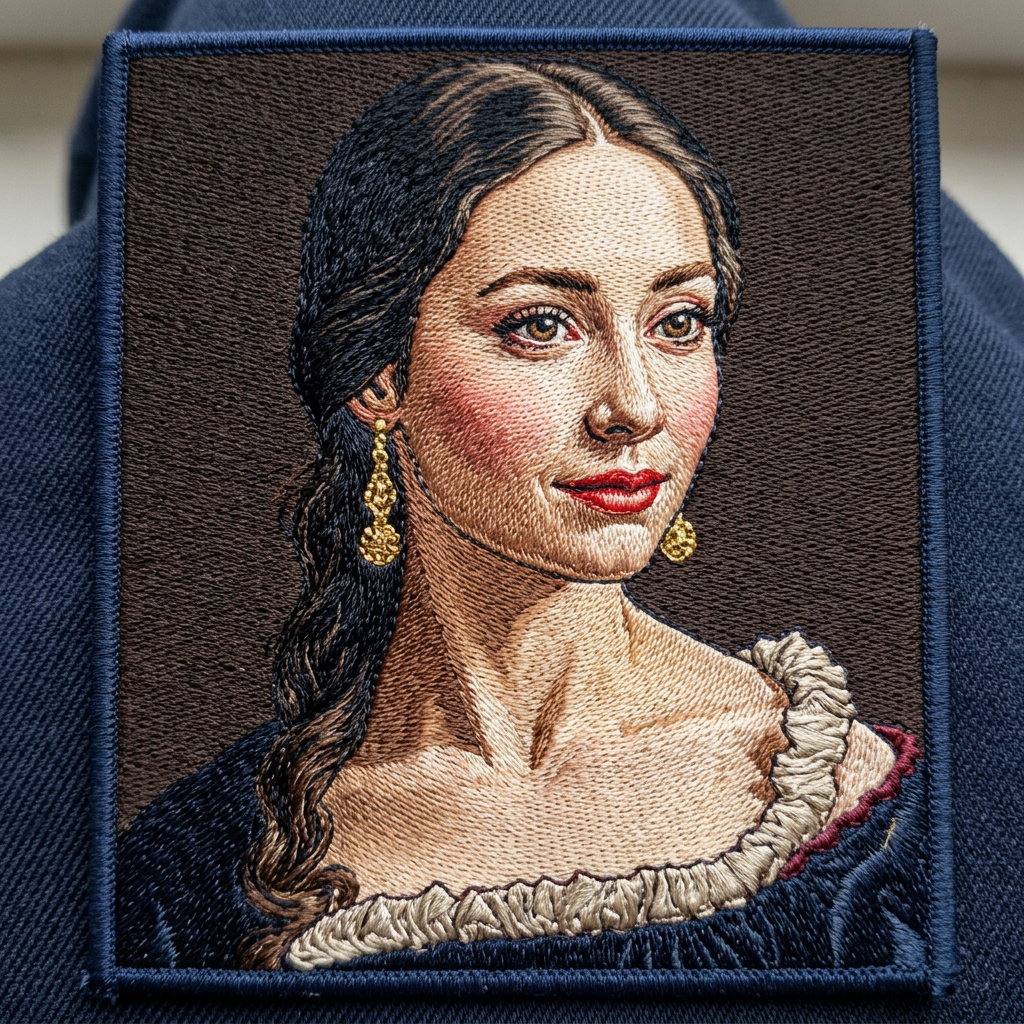 Out
Out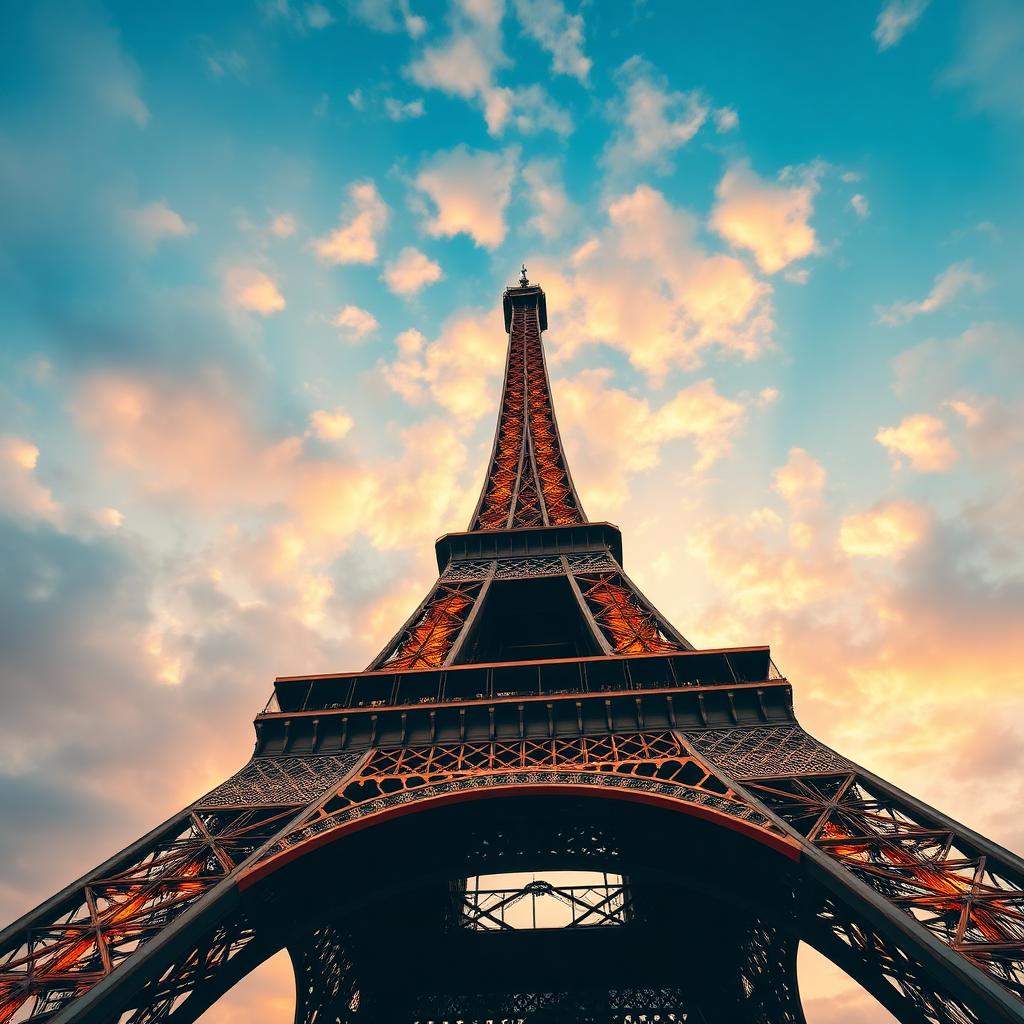 In
In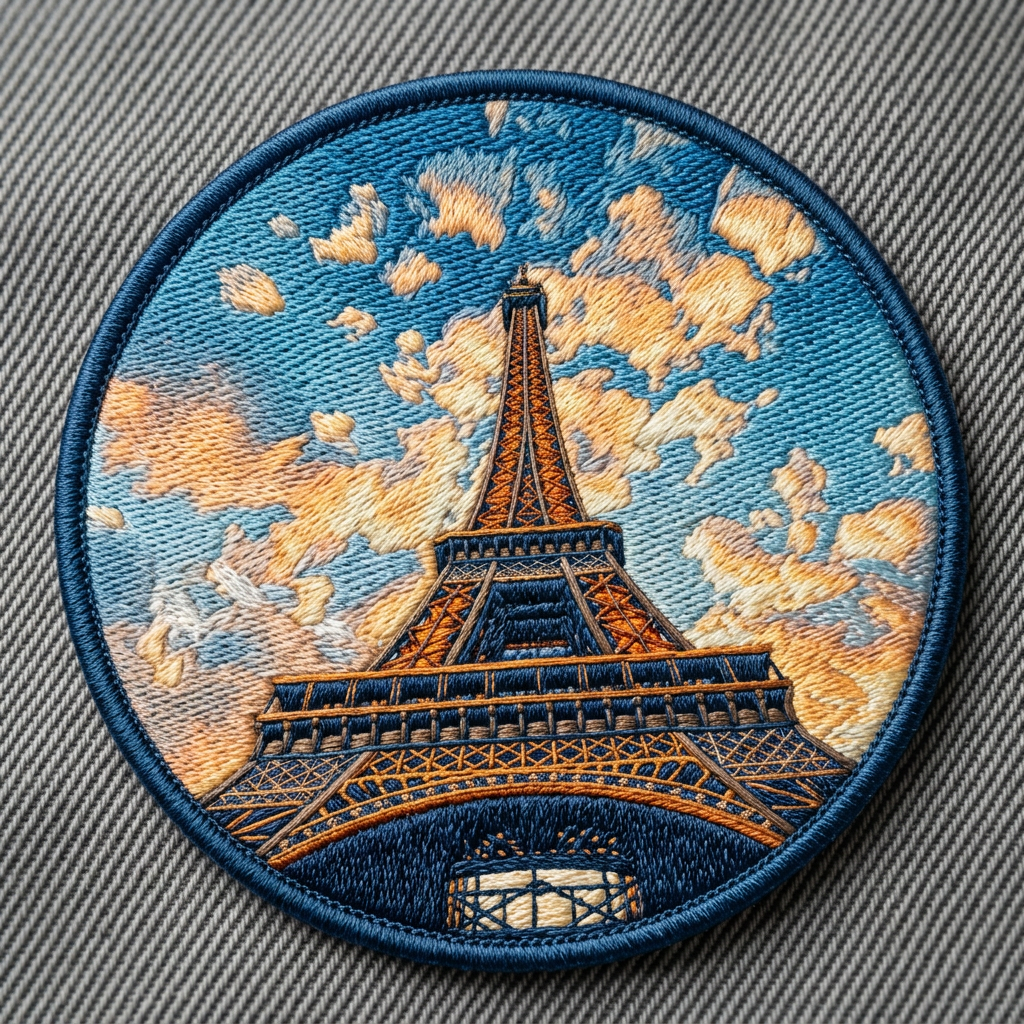 Out
Out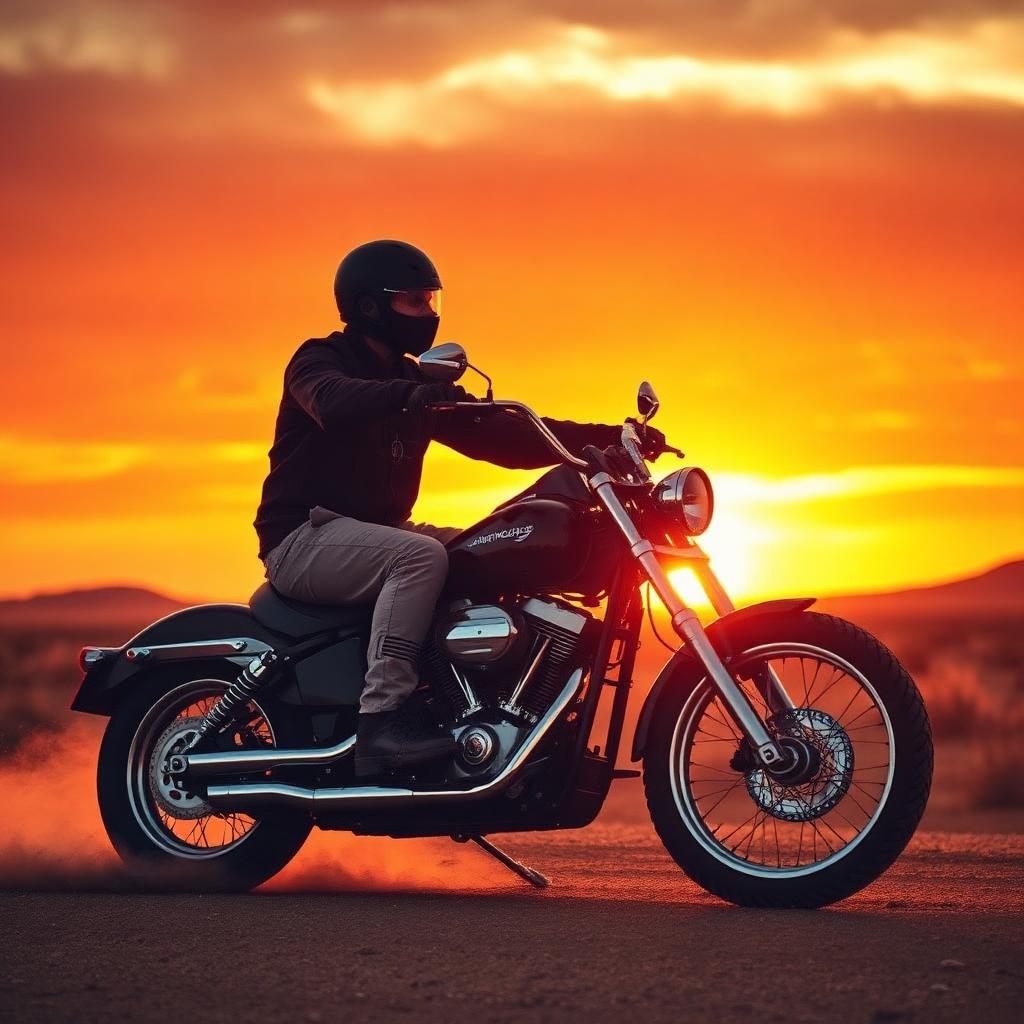 In
In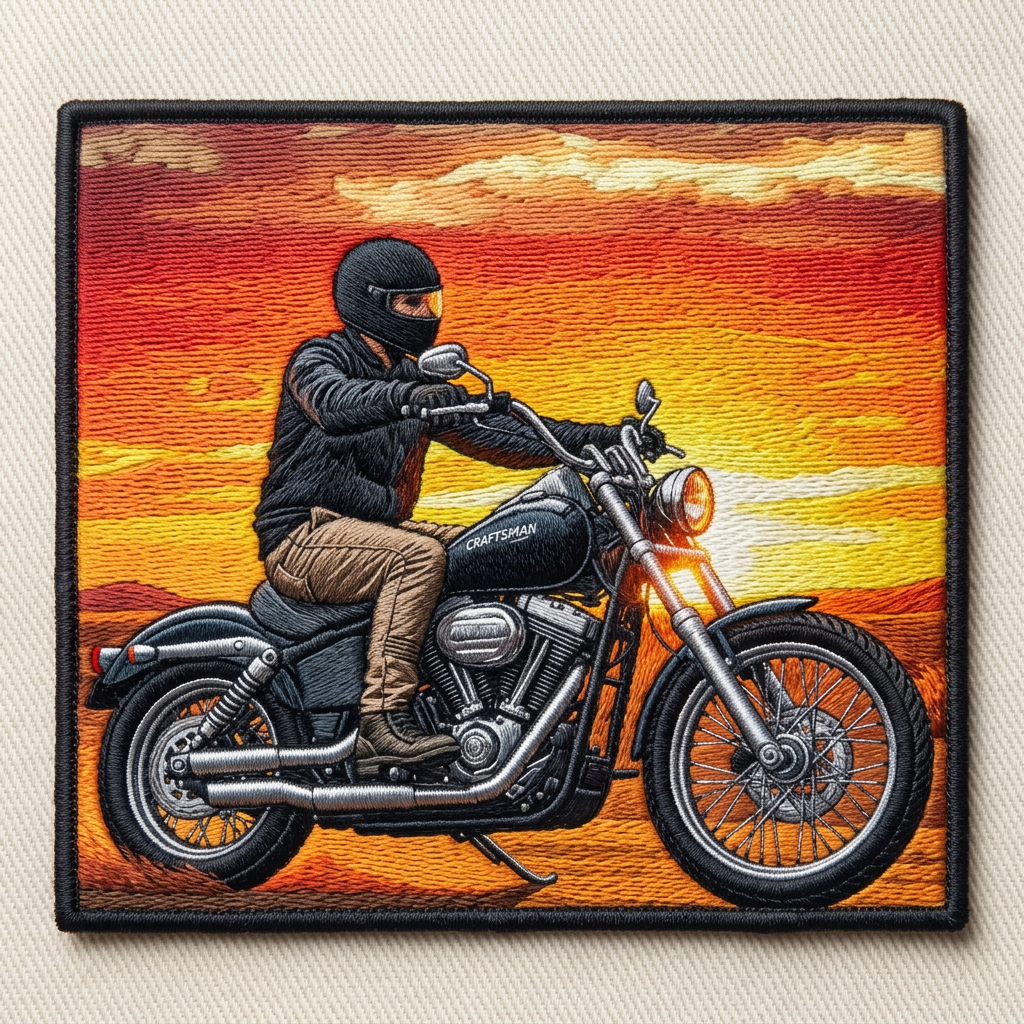 Out
Out In
In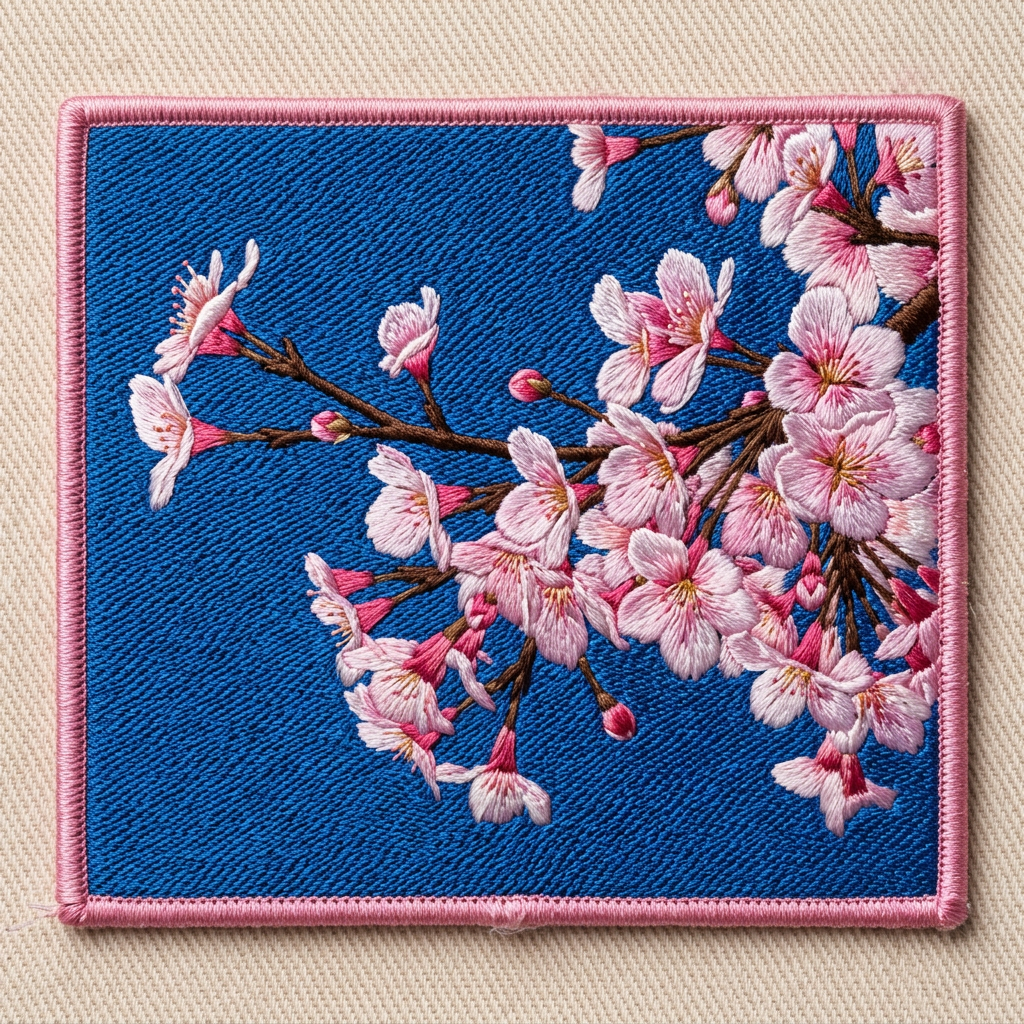 Out
Out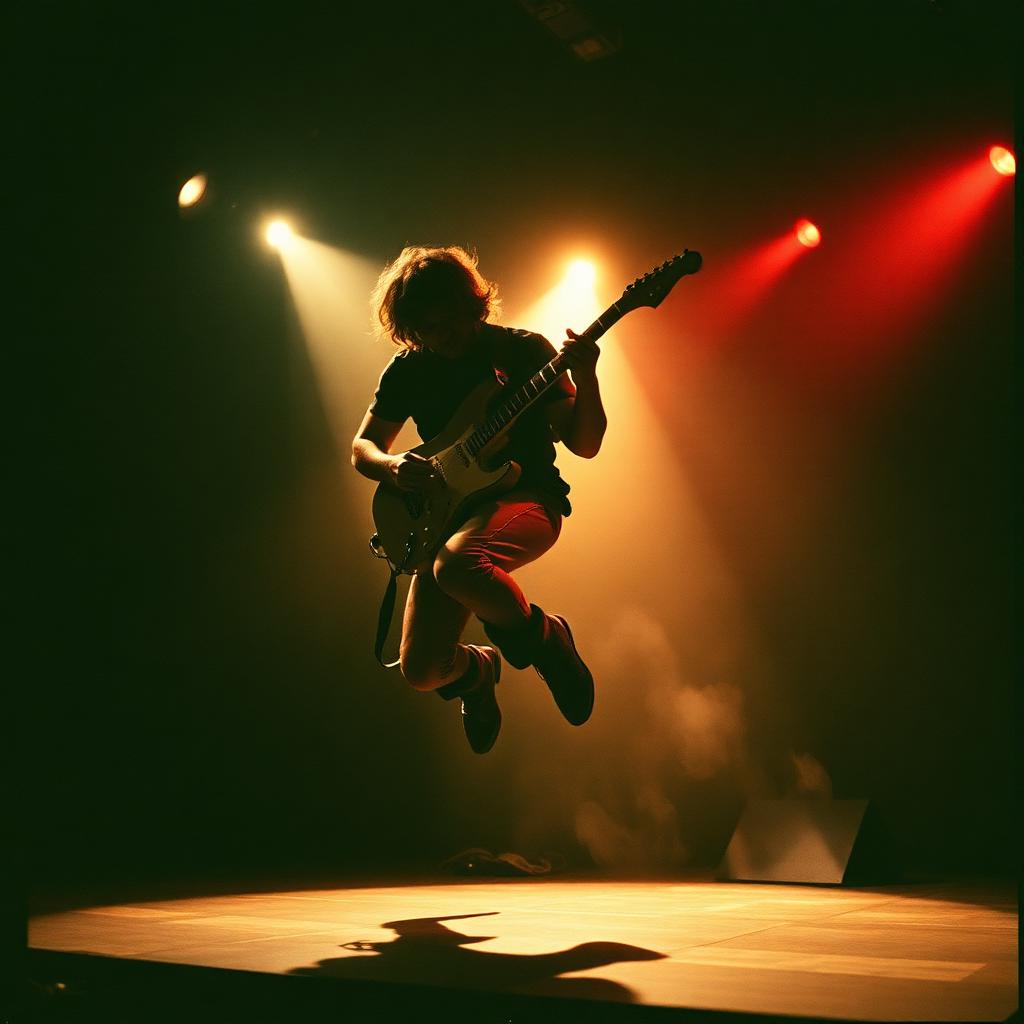 In
In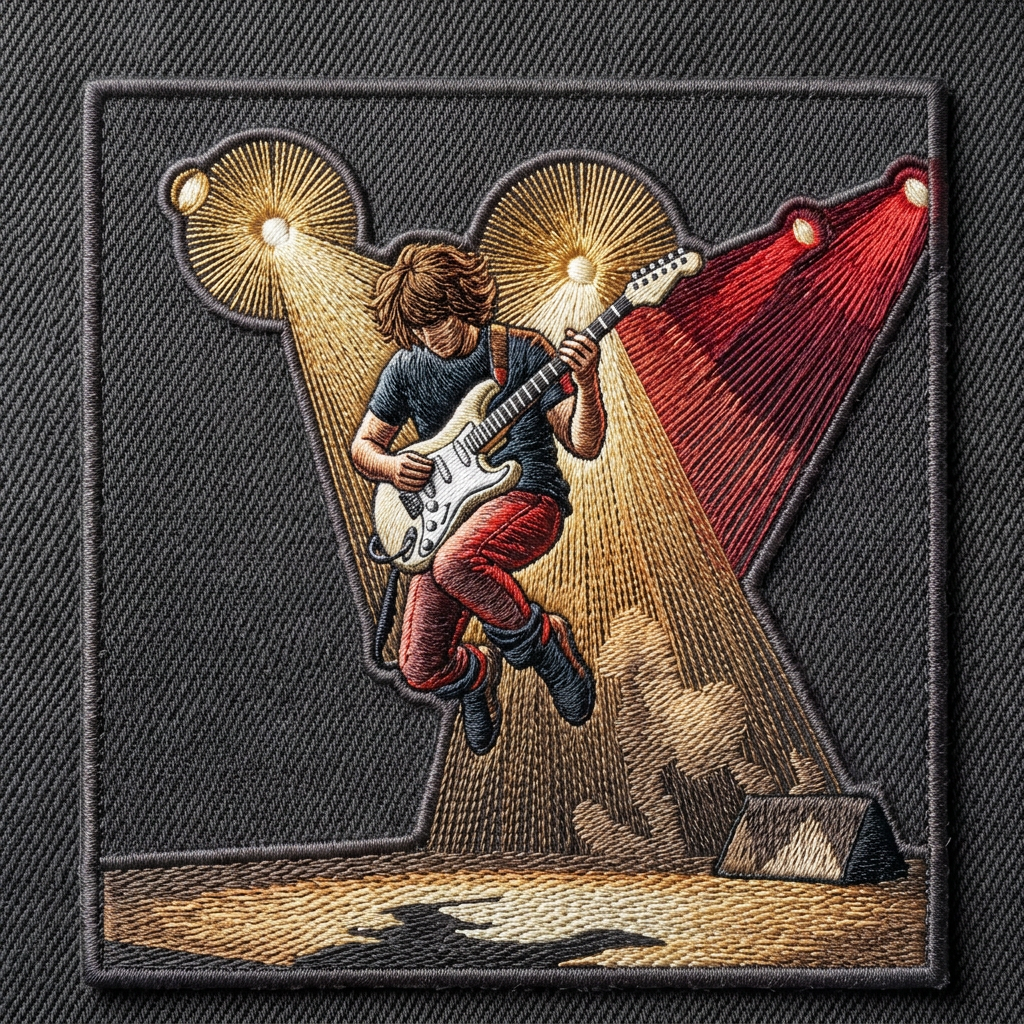 Out
Out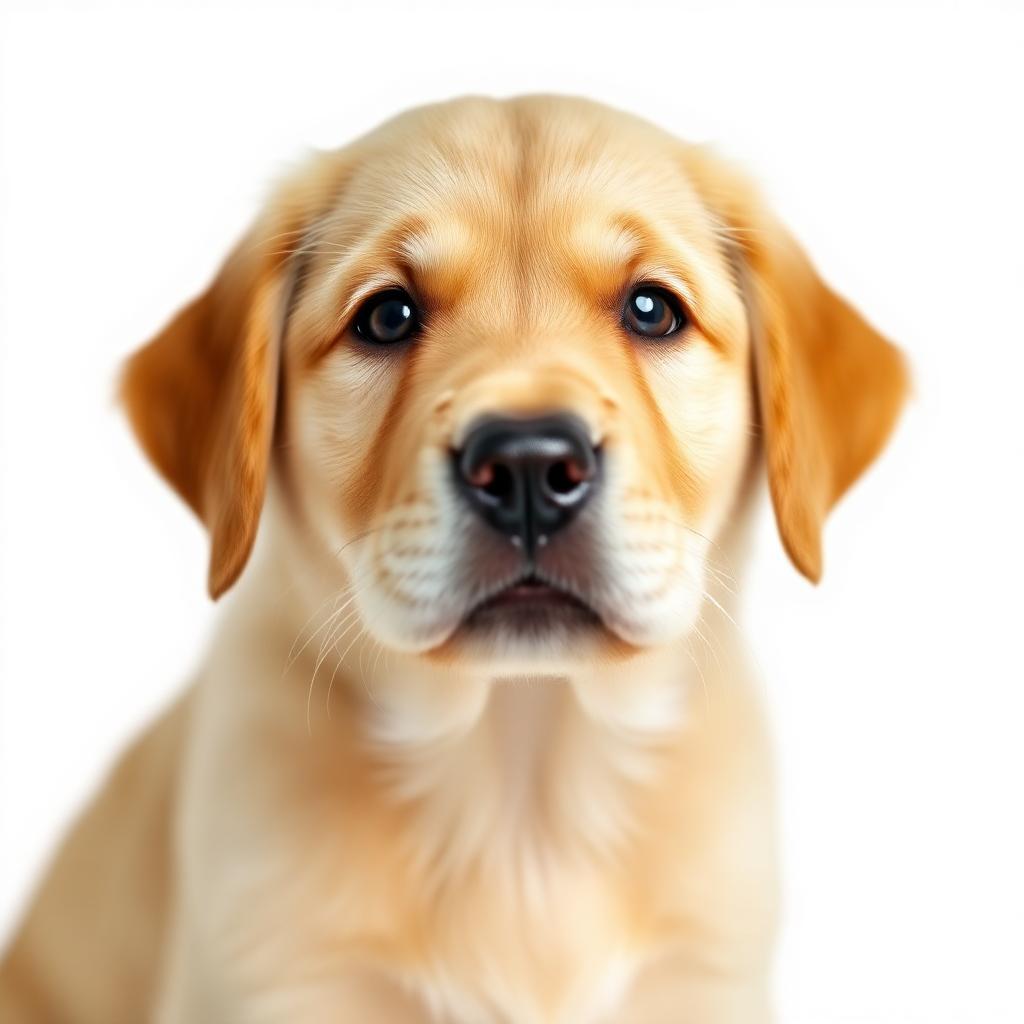 In
In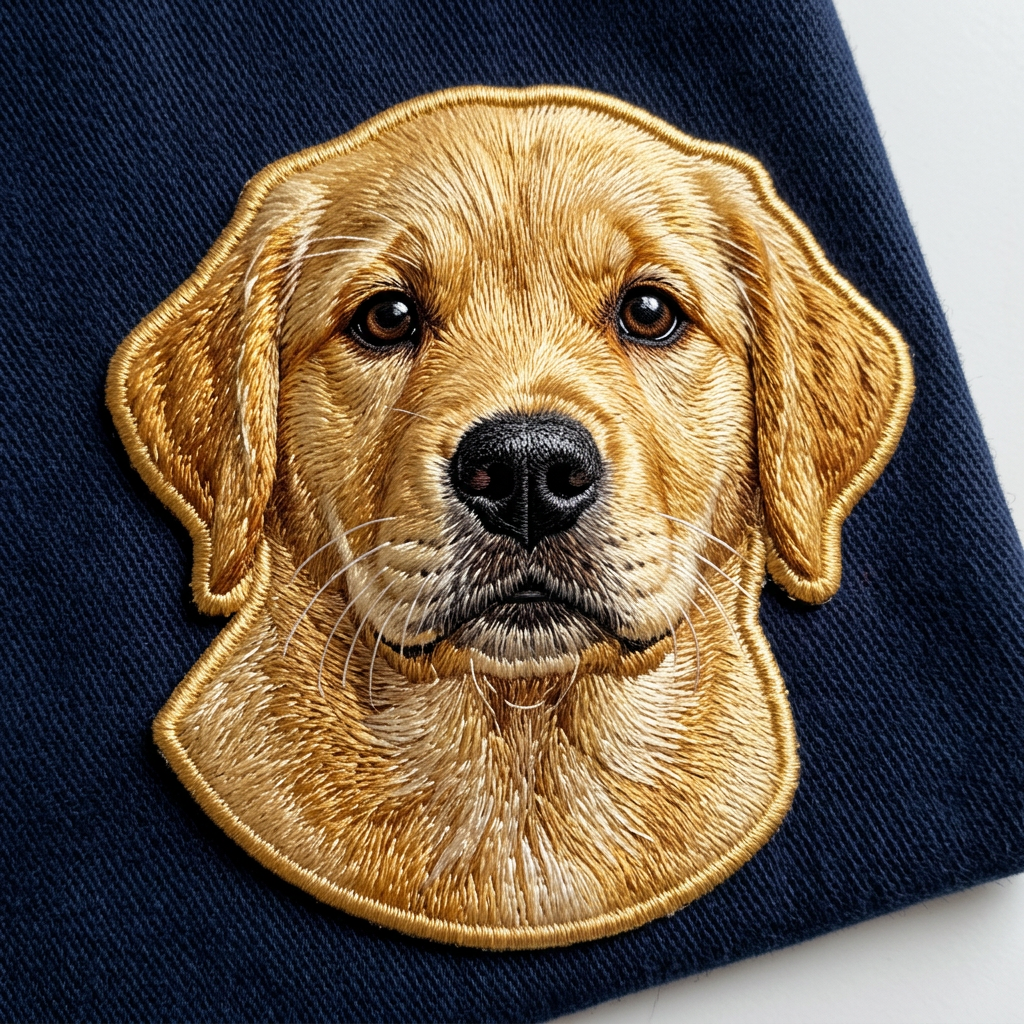 Out
Out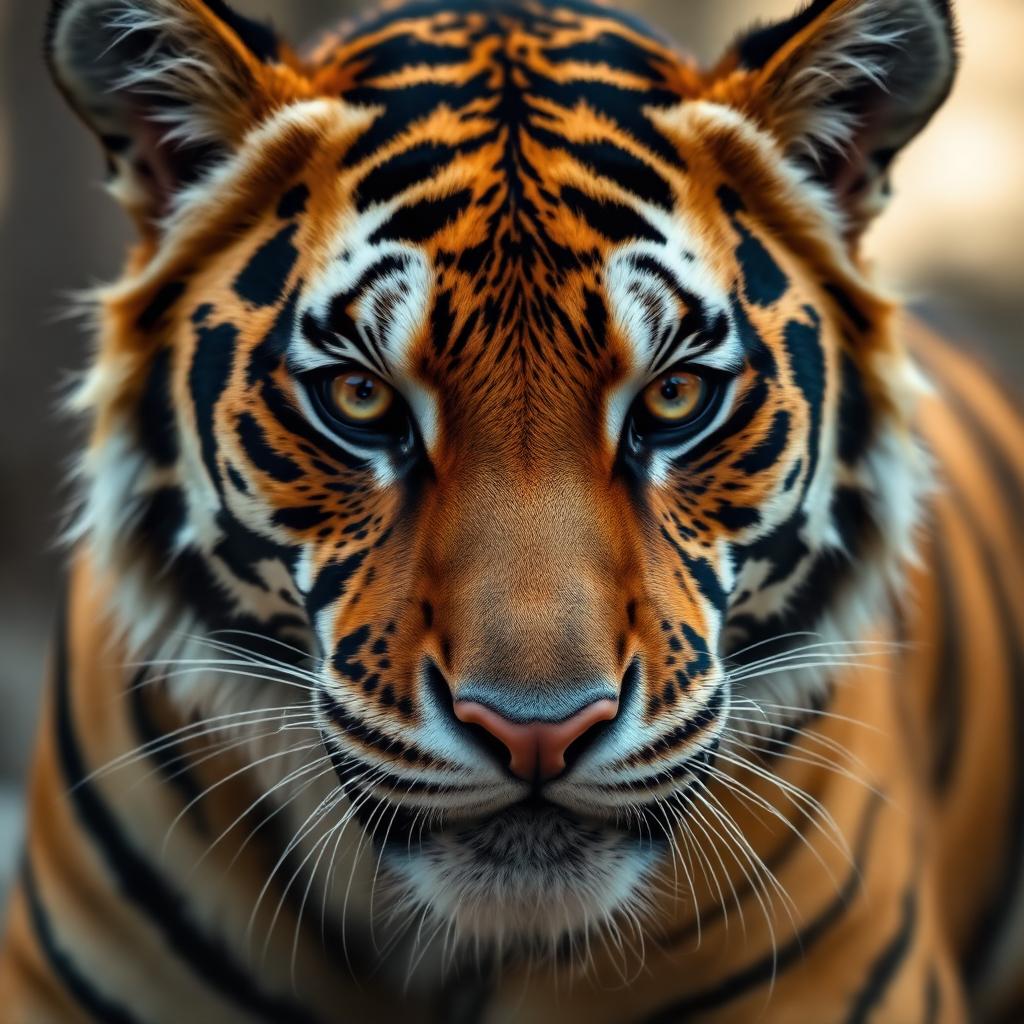 In
In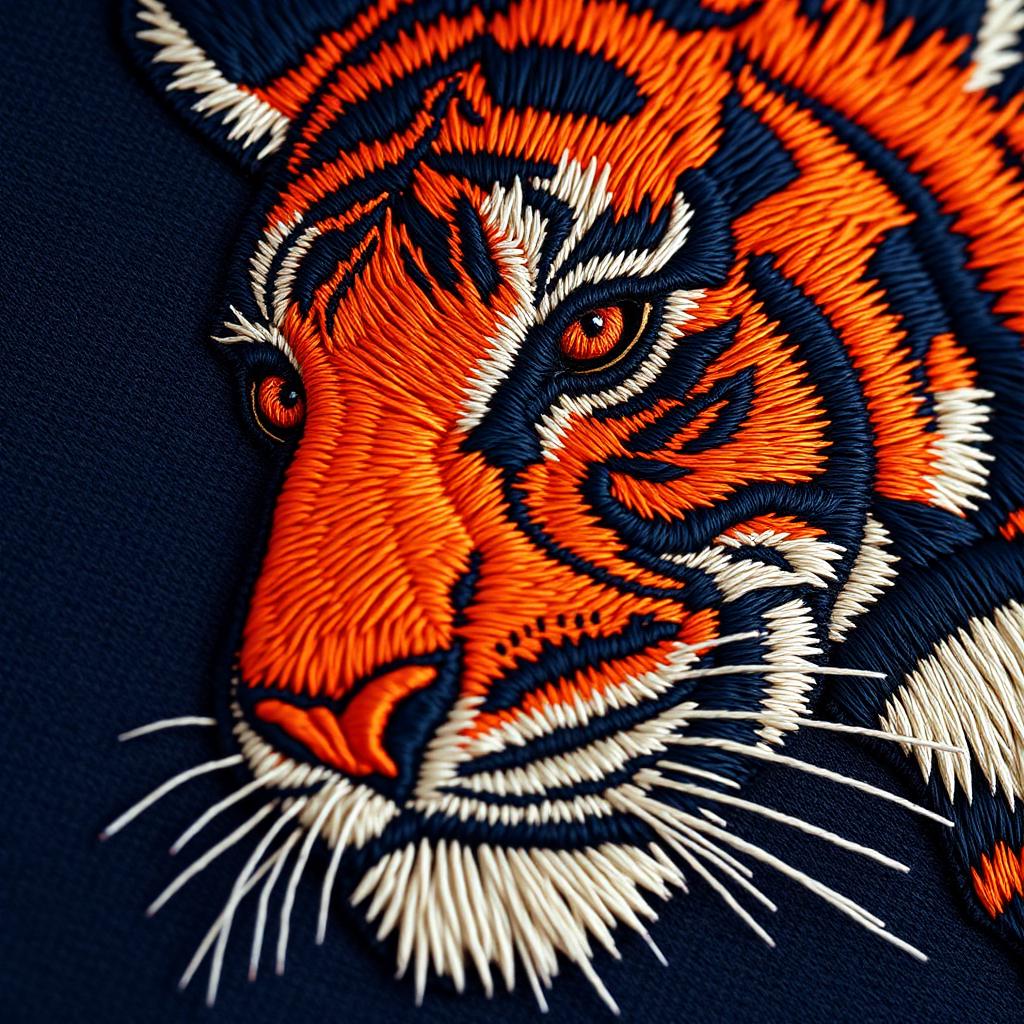 Out
Out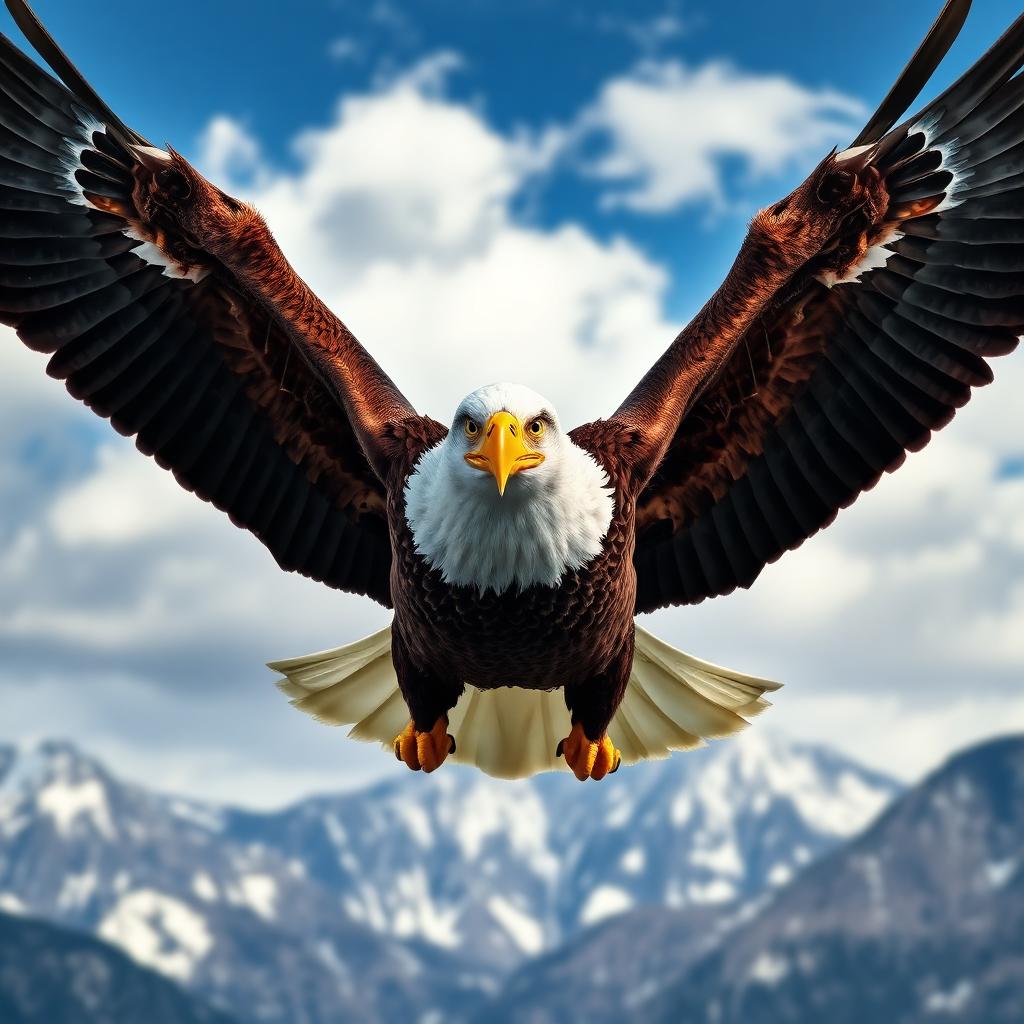 In
In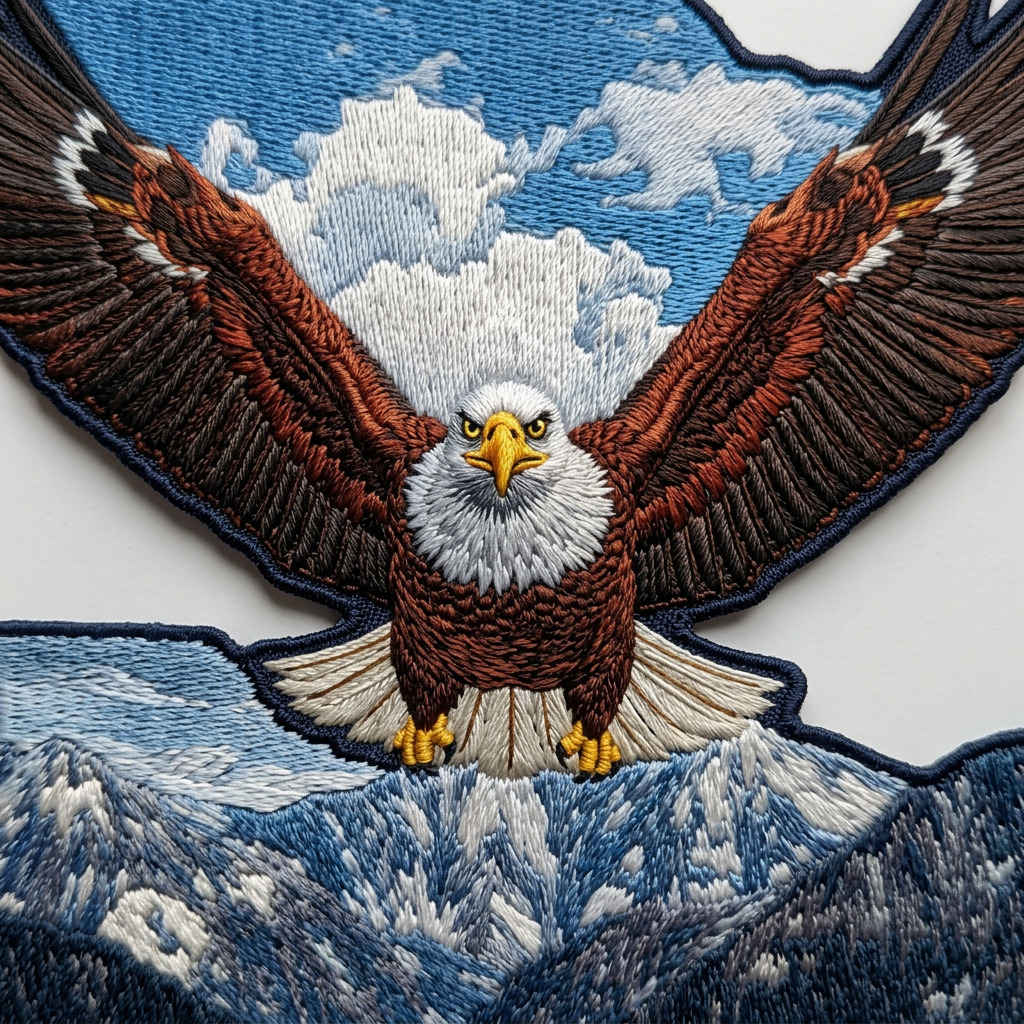 Out
Out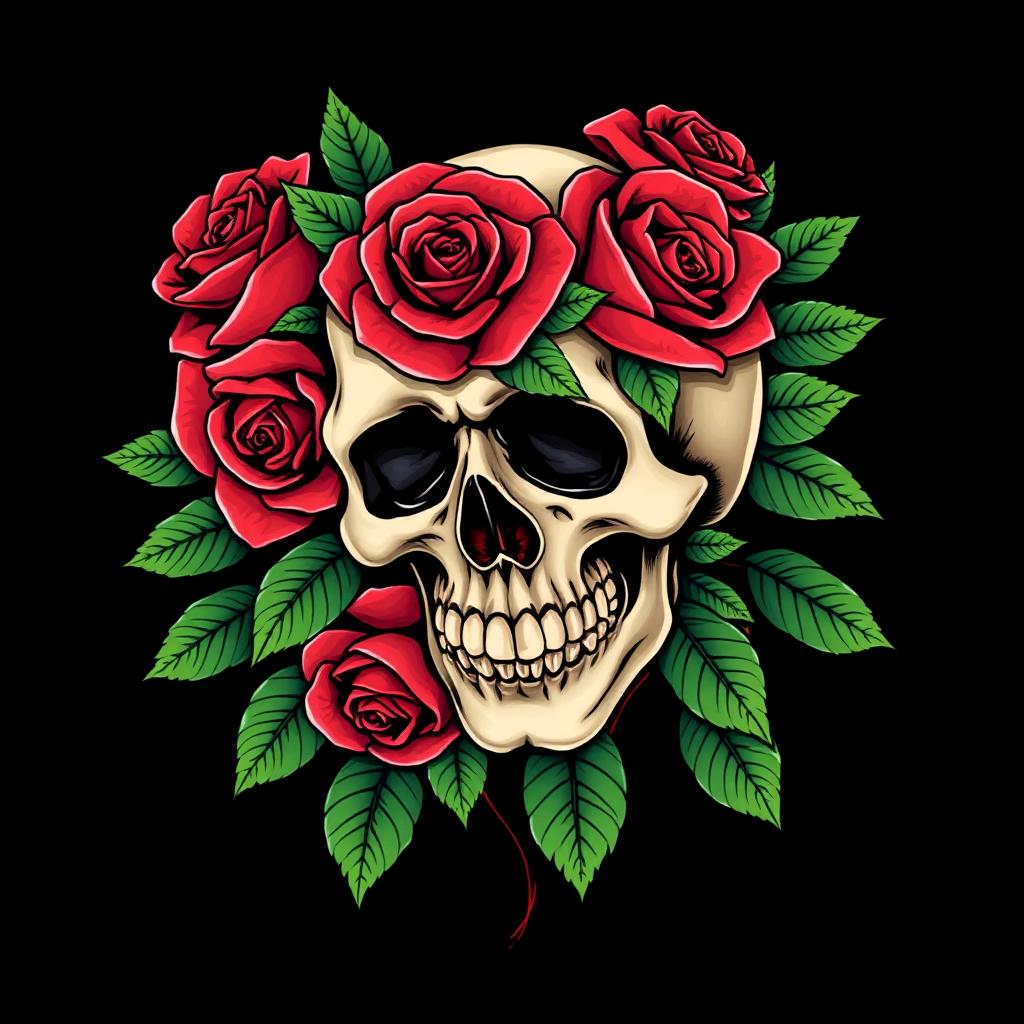 In
In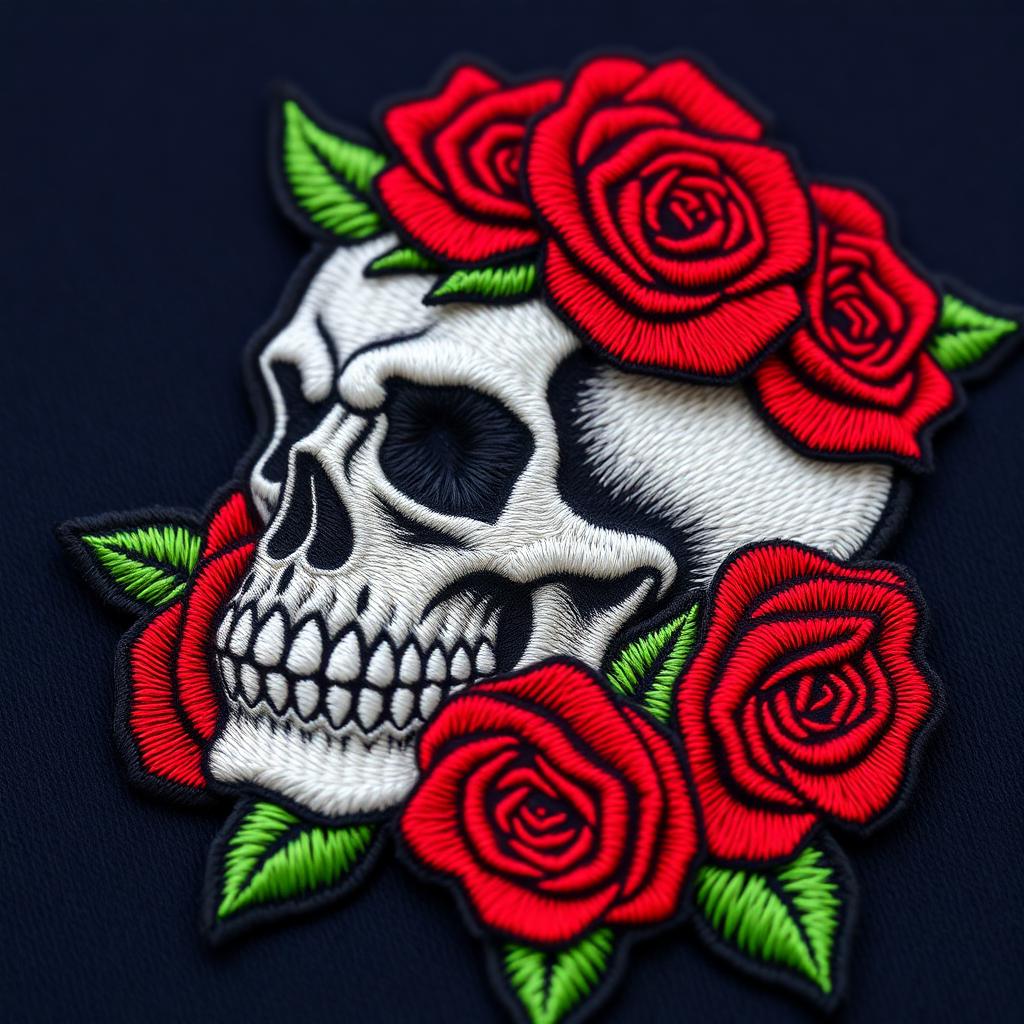 Out
Out In
In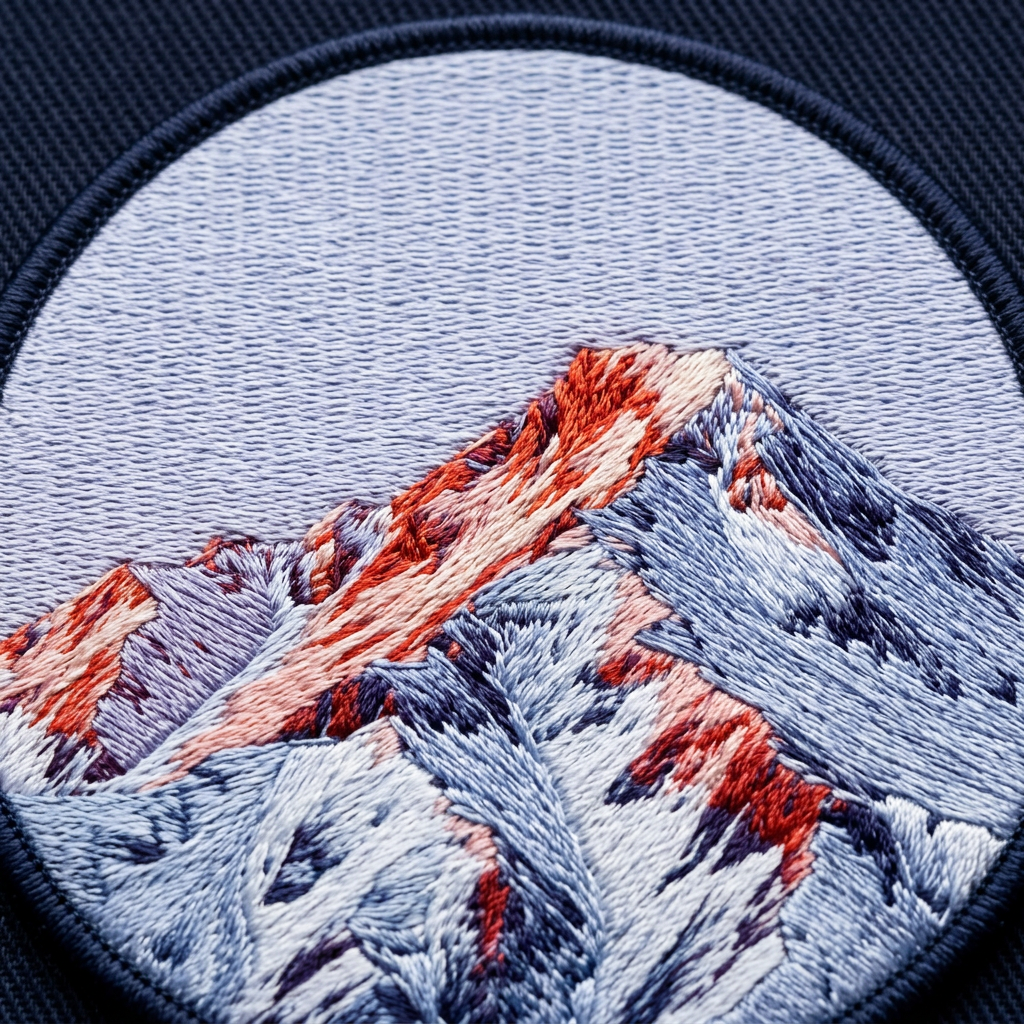 Out
Out In
In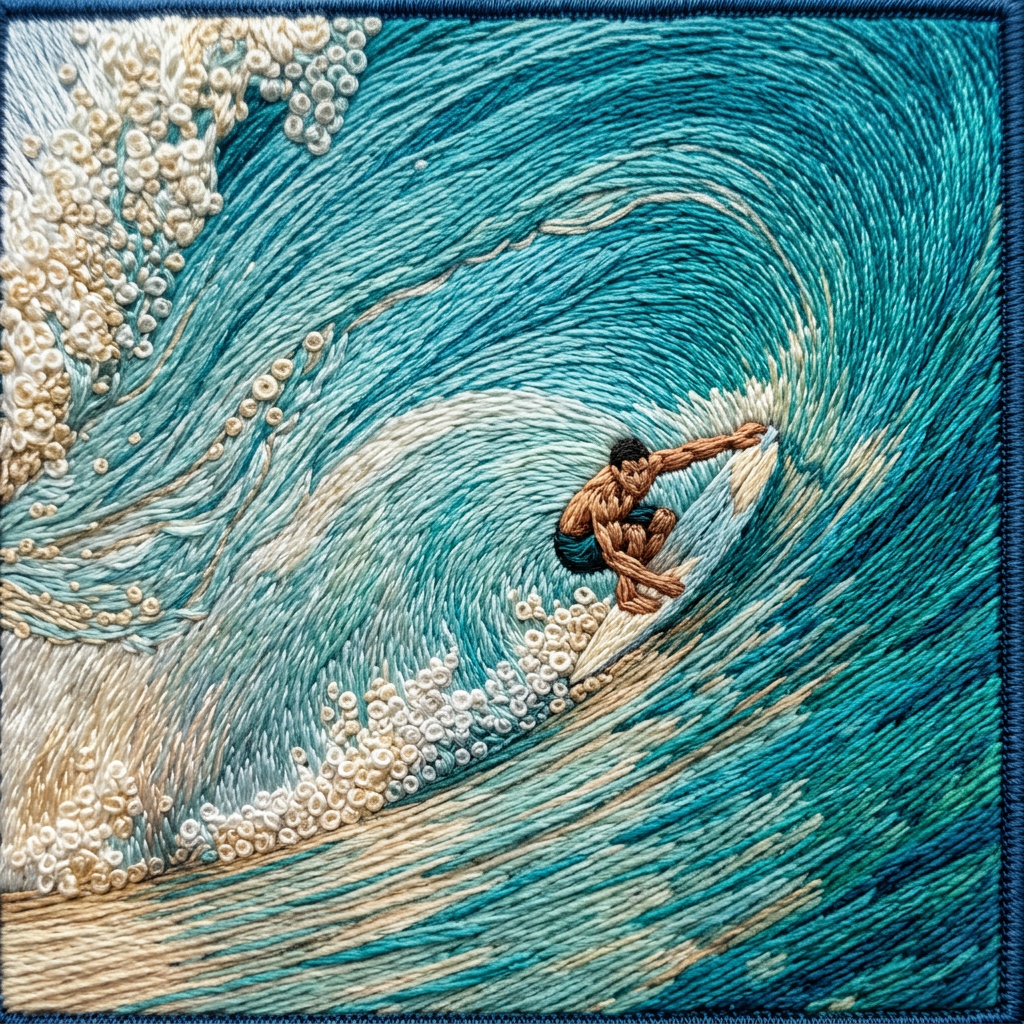 Out
Out In
In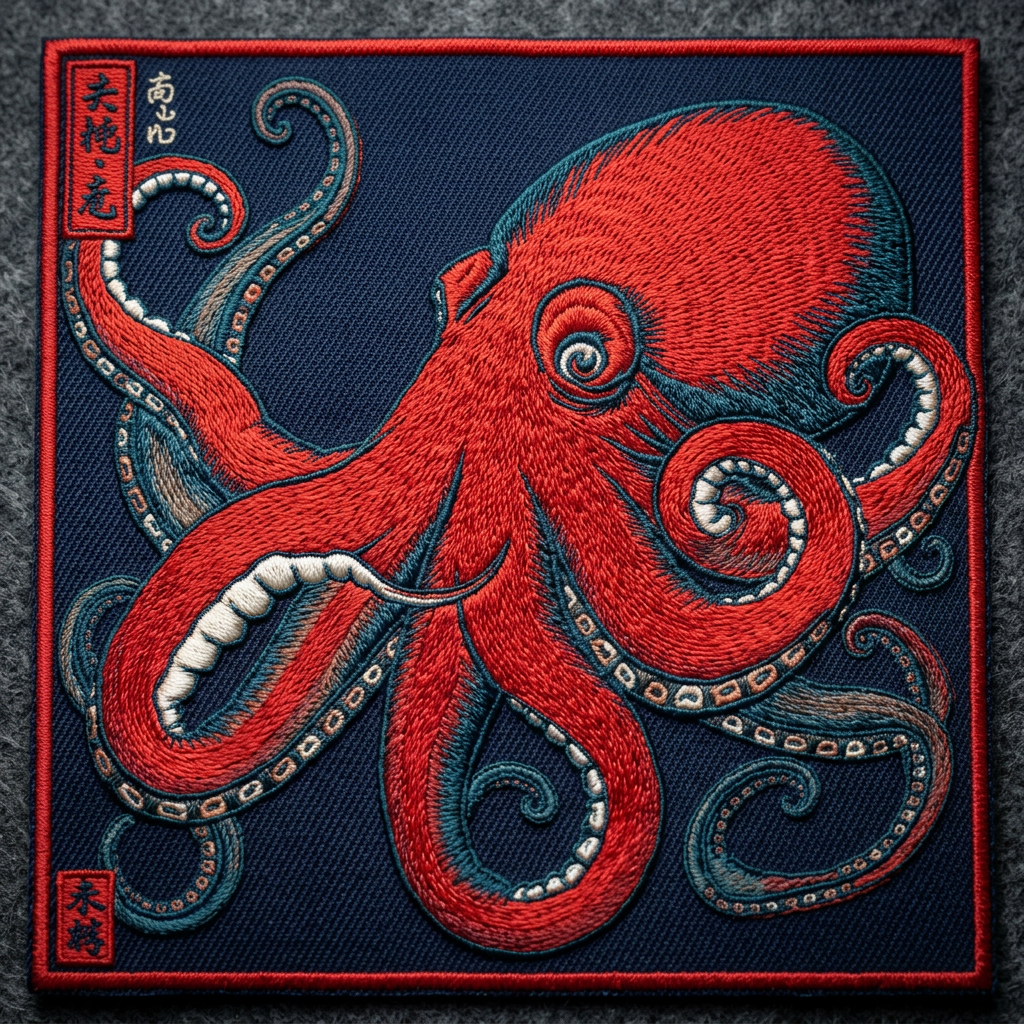 Out
Out In
In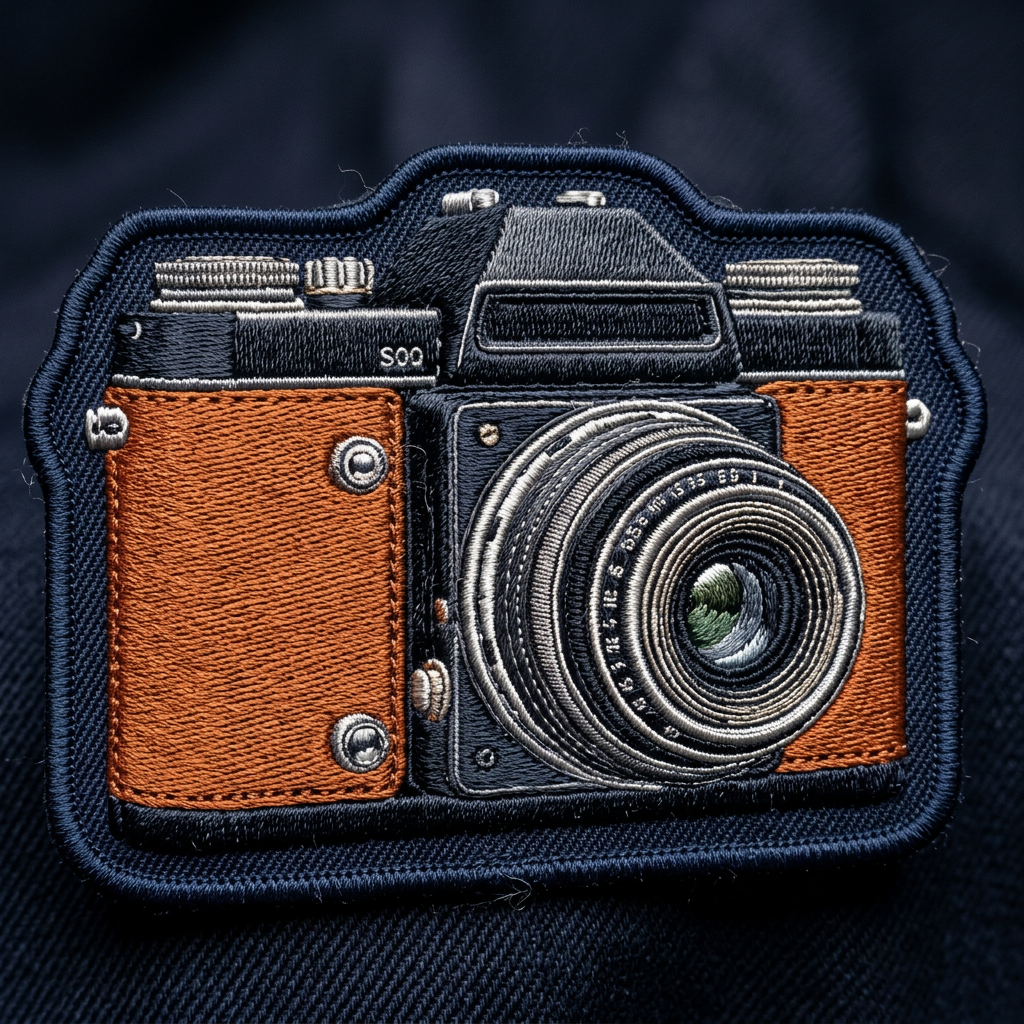 Out
Out In
In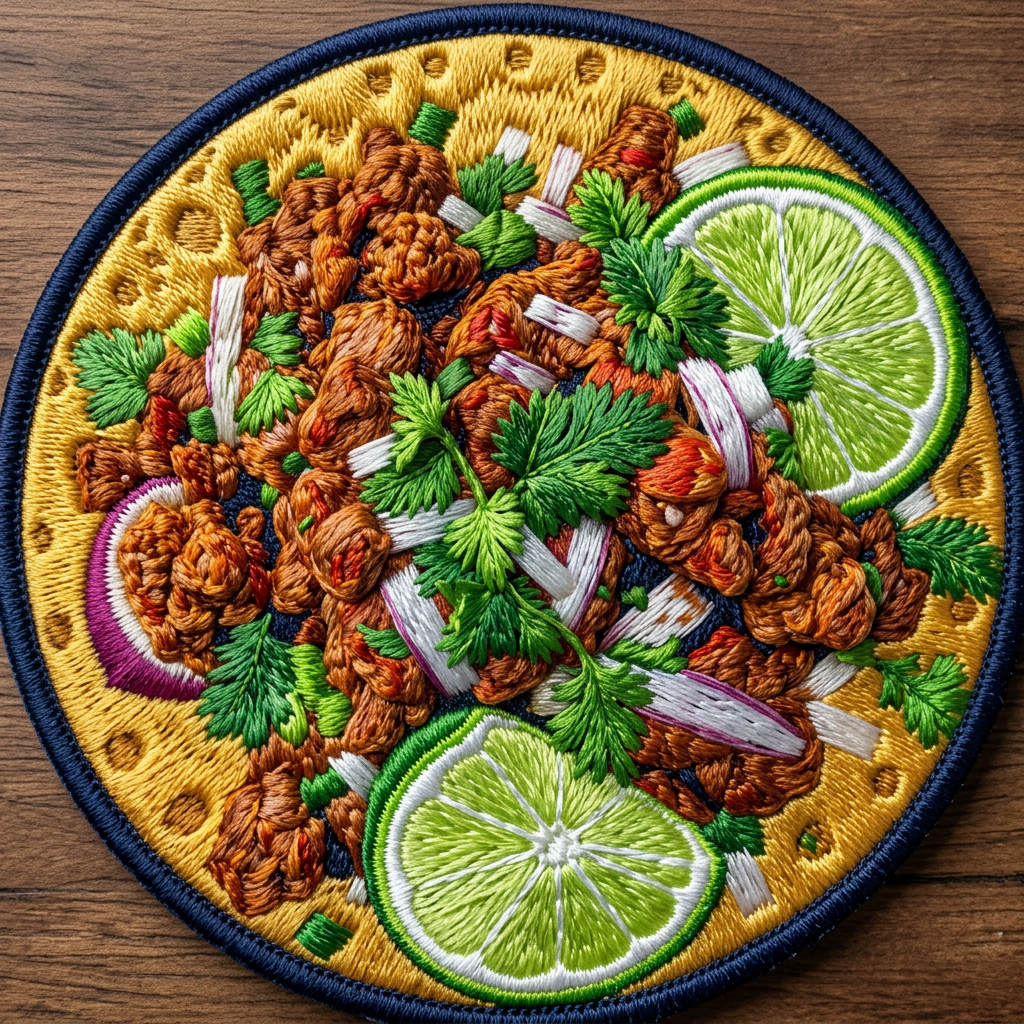 Out
Out In
In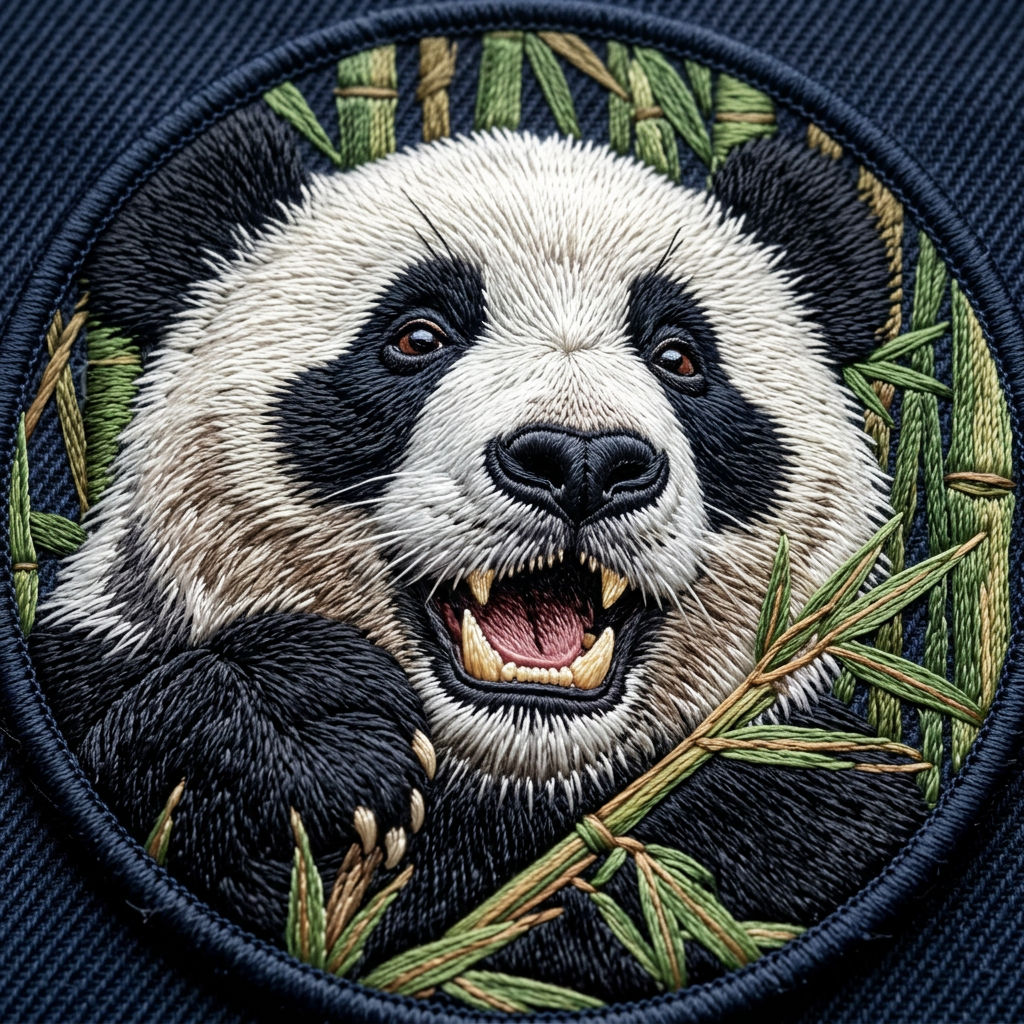 Out
Out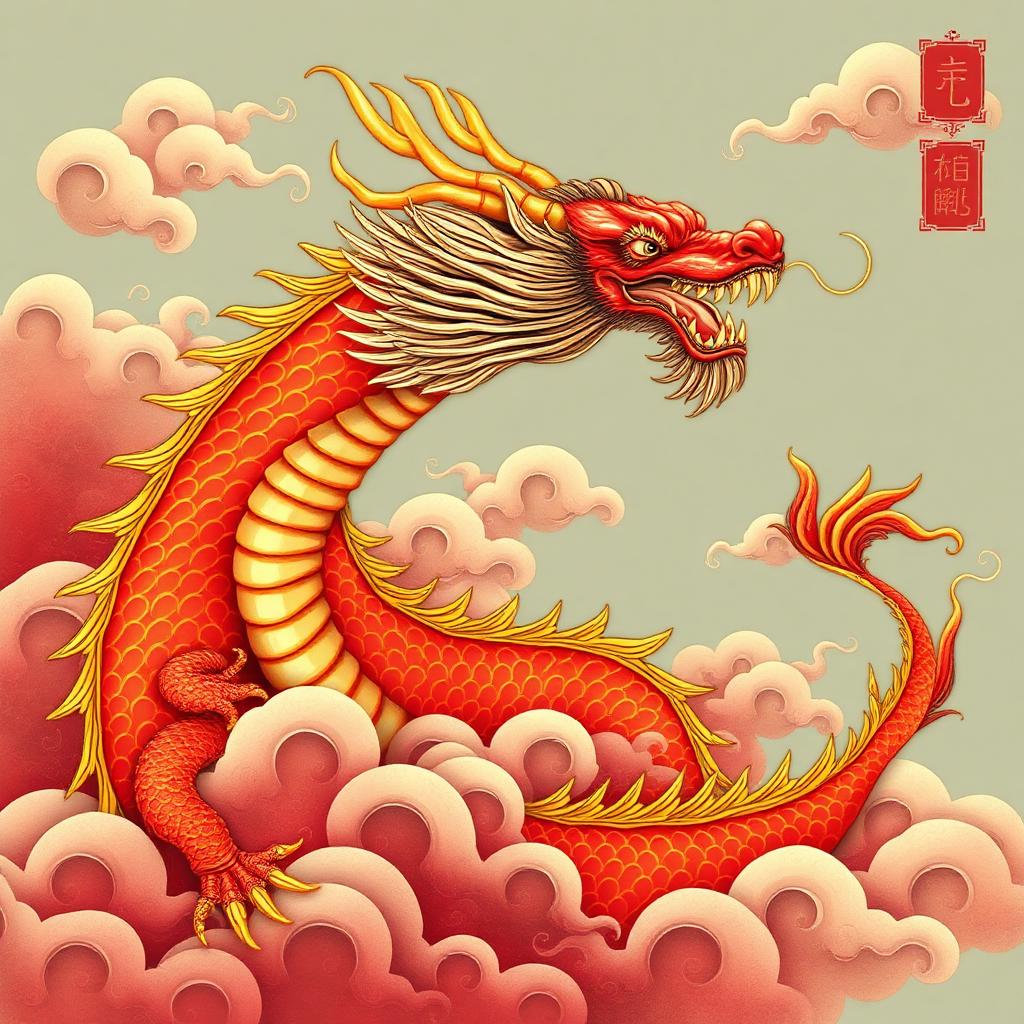 In
In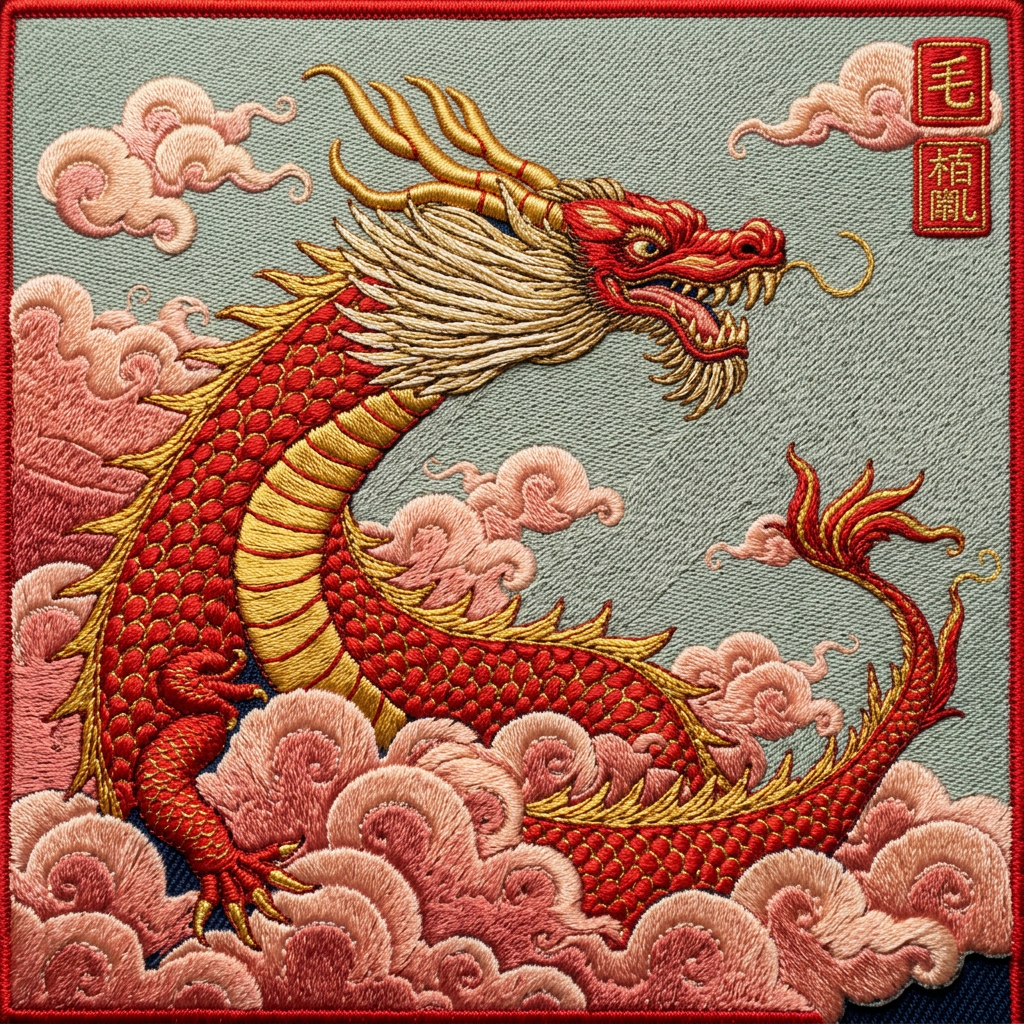 Out
Out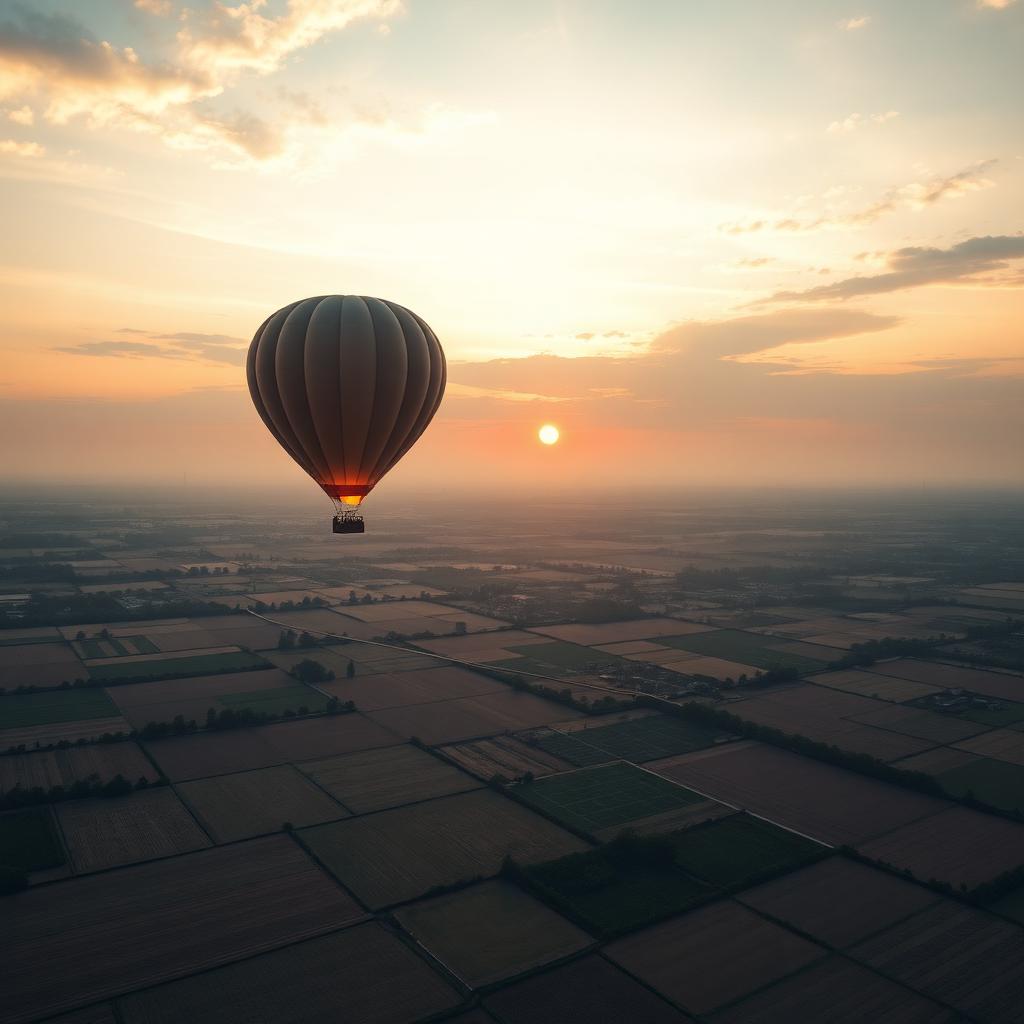 In
In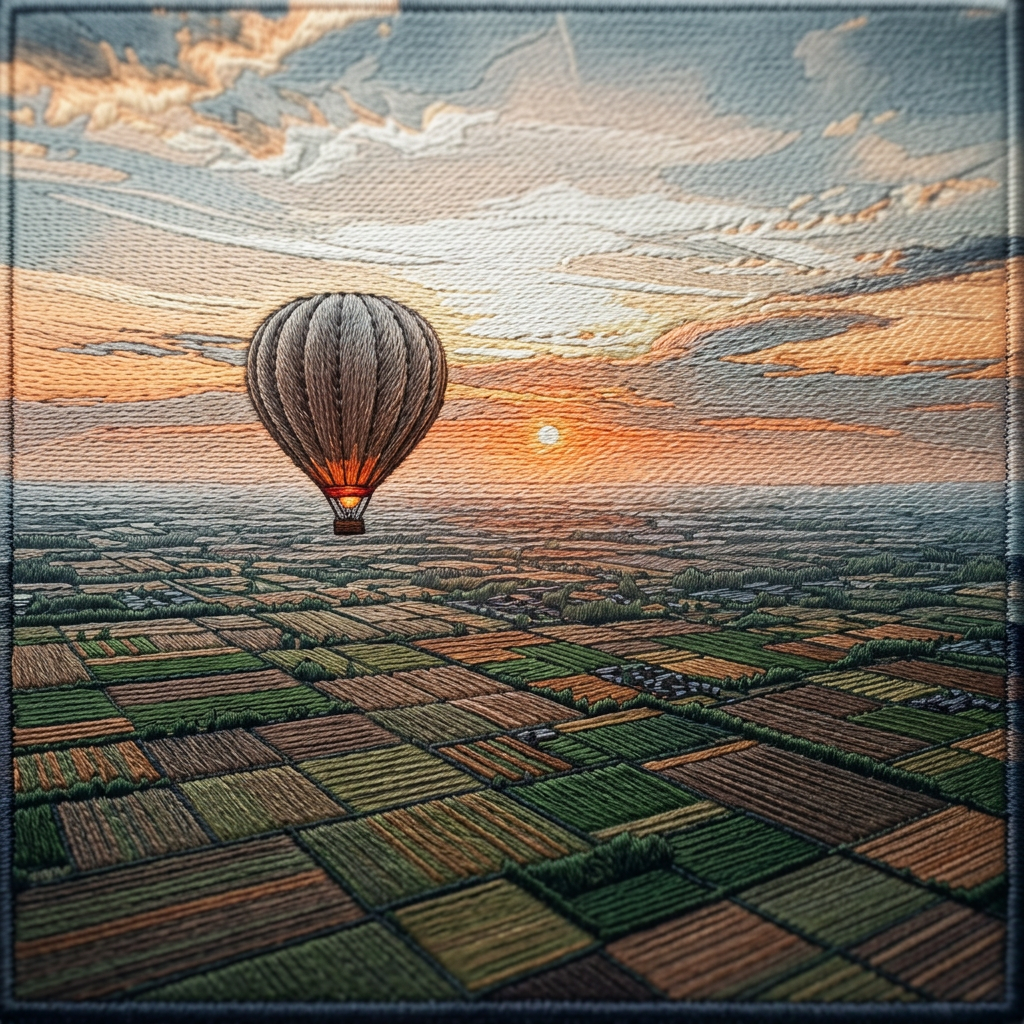 OutInOutInOutInOutInOutInOutInOutInOutInOutInOutInOutInOutInOutInOutInOutInOutInOutInOutInOutInOutInOut
Drop your image here
PNG, JPG, SVG, or WebP up to 10MB
Embroider This →From any image to a sewable patch.
Every example below started as a single image upload. No manual digitizing, no Illustrator work — just drag, drop, and download.
Instant neural digitization.
The AI doesn't just trace edges — it understands fabric physics, picks the right stitch type, and calculates pull compensation like a master digitizer.
Auto-satin pathing
Intelligent column detection for text and logos.
Smart color reduction
Maps millions of pixels to your thread chart.
Underlay & pull compensation
Stable foundations for every stitch type.
Preview free. Pay only to download.
You see the exact stitch path before you spend a cent — pay only when the file is ready.
Preview
- AI patch design from any photo
- Exact stitch-path preview
- Stitch count, size & thread palette
- 5 designs per day
Single design
- DST file (Tajima / commercial)
- PES file (Brother / Babylock)
- High-resolution preview PNG
- No account, no subscription
10-pack
- Ten unlocks — $1.90 each
- DST + PES + PNG per design
- Use across any of your designs
- Credits never expire
Common questions
How do I convert a photo to an embroidery file?+
Go to embroider.app/generate, upload a PNG or JPG, and the app builds an AI patch preview and a matching stitch path. When you're happy with the preview, pay to download the DST or PES embroidery file.
How do I turn a JPG into a DST or PES file?+
At embroider.app/generate, upload your JPG. The digitizer converts it into a real embroidery file — choose DST for Tajima-compatible machines or PES for Brother/Babylock. No Wilcom or Hatch needed.
What's the easiest way to digitize a logo for a Brother machine?+
Use embroider.app/generate. Upload your logo, select PES as the format, and download a file optimized for Brother/Babylock machines. You can preview the stitch count and colors before paying.
Can I make an embroidered patch from a photo without Wilcom or Hatch?+
Yes. embroider.app/generate turns a photo into a patch-ready embroidery file in your browser. You get the DST or PES file plus a high-resolution preview image.